DO NOT USE THIS GUIDE UNLESS YOU ARE CONTRIBUTING TO DOCUMENTATION!! THIS IS ONLY FOR SETTING UP THE JEKYLL DEVELOPMENT ENVIRONMENT
repo link: https://github.com/ut-ras/RobotathonESP32/tree/robotathon-guide-2025
windows setup
gl to linux/macos people. its mostly the same so u got it :)
Download VS Code
- Click big download button for Windows https://code.visualstudio.com/download
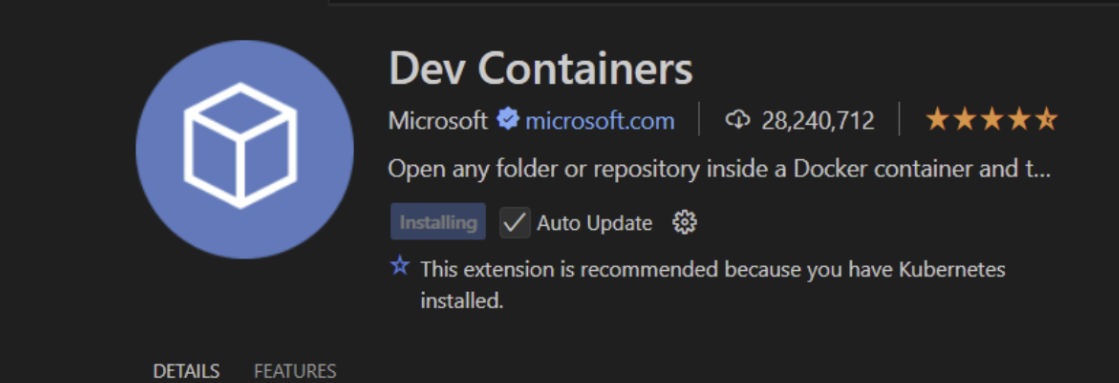
- Download the Dev Container extension
Download WSL
See official documentation here: https://learn.microsoft.com/en-us/windows/wsl/install
- Open Powershell
- Type
wsl --set-default-version 2 - Type
wsl --install- If you are prompted to put in credentials, put something you will remember
Unix systems do not show input while you are typing passwords by default! (type carefully :D )
Download Docker
Make sure to have Docker running for later!
Download Git
Set up SSH Authentication for GitHub
- See existing Robotathon Guide doc here
Clone RobotathonESP32 Repository
- Go to the Robotathon repository
- Click the green
<> Codebutton
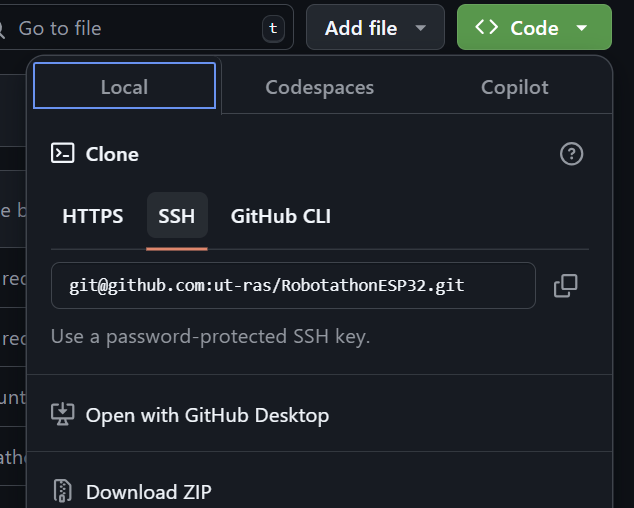
- Copy the SSH Link (HTTPS bad and sucks 👎)
- Open Git Bash and navigate to where you want to keep the code by using
lsandcd - Run the following command in your Git terminal:
git clone [LINK HERE]without the square brackets
Opening the Container
- Navigate to
RobotathonESP32by usinglsandcd - Type
git checkout robotathon-guide-2025to switch to the robotathon guide branch - Open
RobotathonESP32in VS Code - Click the
><icon in the bottom left corner of VS Code
- Click
Reopen in Containerfrom the popup at the top of VS Code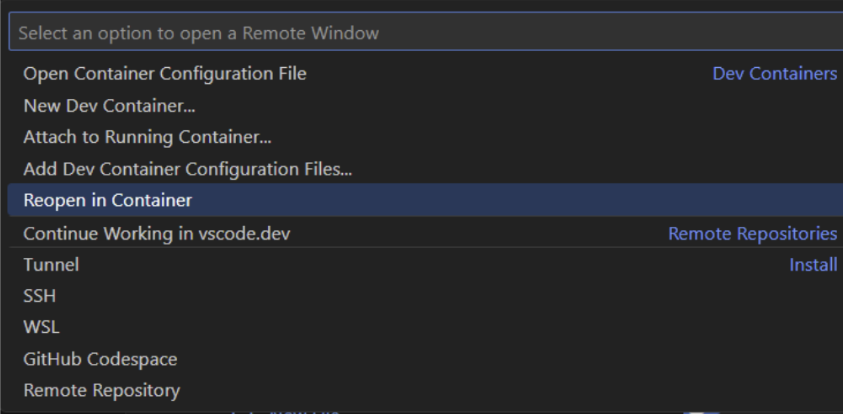
Setting Up and Using Jekyll (viewing local changes)
- Once everything has loaded, open a terminal within VS Code (View > Terminal,
Ctrl +`, etc.) - Type
cd docsand pressEnter - Type
bundle installand pressEnter - Type
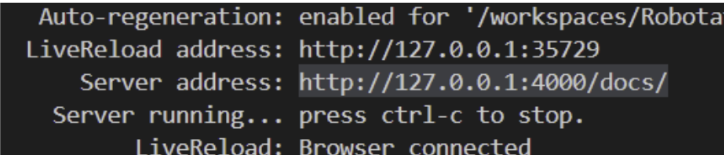
bundle exec jekyll serve --force_polling --livereloadand pressEnter Ctrl+Left Clickon the server address link to open the site locally after it is done compiling
You do not need to rerun any terminal commands to view changes if you use the --force_polling and --livereload flags. If your computer is blowing up with constant autoreload, you can just use bundle exec jekyll serve, but you’ll have to rerun the command each time you want to render new local changes
Writing to Live Website
- Make change
- Navigate to
RobotathonESP32in Git Bash - Commit and push changes (How?)
- Observe changes on live website in about a minute
How to migrate to developing next year’s Robotathon guide (only need to do for repository)
- Create copy of newest robotathon guide
git checkout robotathon-guide-20xxgit checkout -b robotathon-guide-202xx+1 - Navigate to
/github/workflows/jekyll-gh-pages.ymlin this repository and modify the name in thebranchesproperty to berobotathon-guide-202xx+1 - Make a modification to any of the content in /docs
- Push changes and wait for new website to deploy